
OnSpot Connect now speaks Brazilian Portuguese
(opens in a new tab)The Portuguese version of OnSpot Connect is now written in Brazilian Portuguese throughout. If you already use Portuguese, there is nothing to change.
OnSpot Connect
Product updates, new features and news from OnSpot Connect.
The Portuguese version of OnSpot Connect is now written in Brazilian Portuguese throughout. If you already use Portuguese, there is nothing to change.
OnSpot Connect
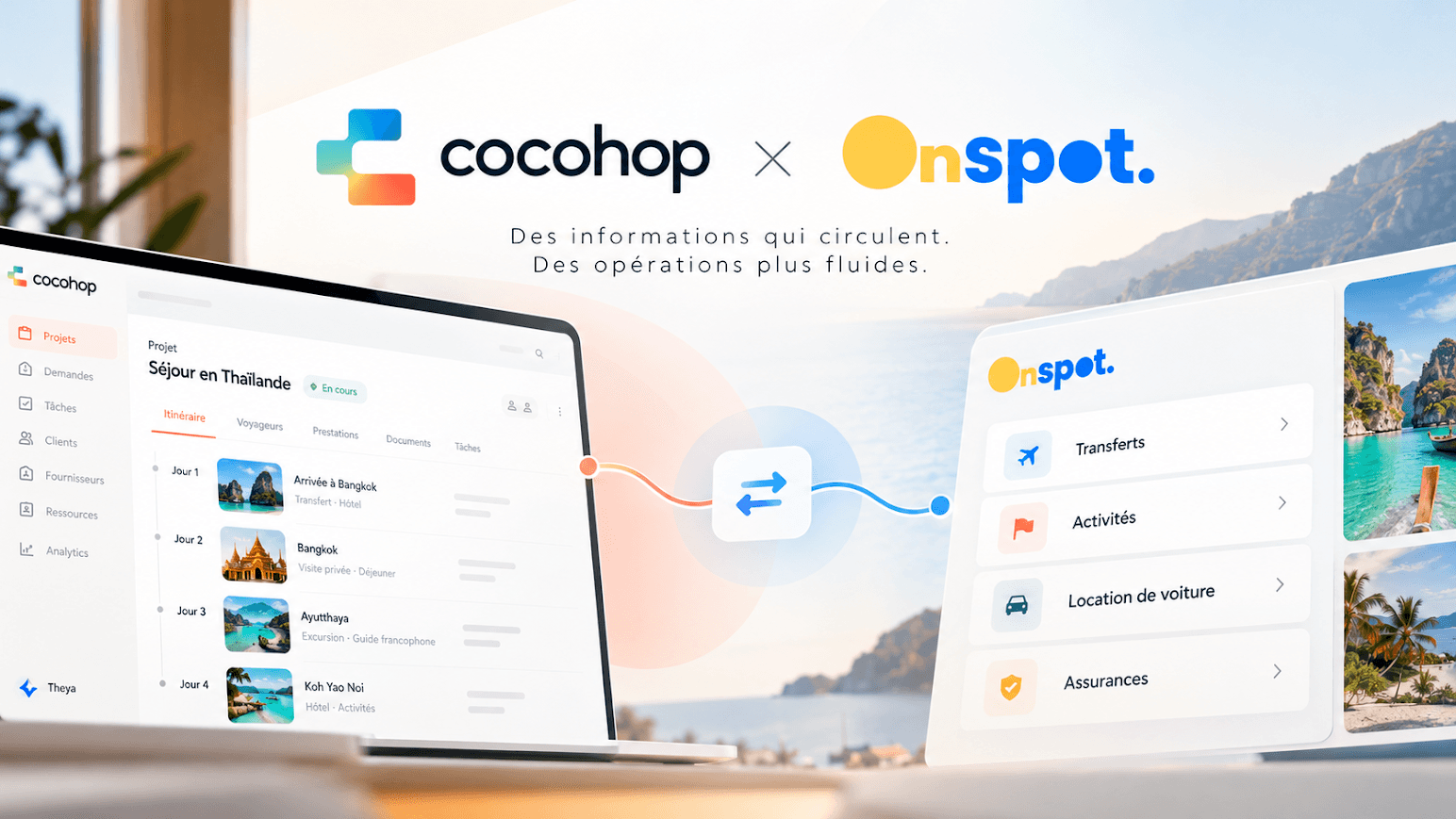
Good news for agencies using Cocohop! With our new integration, you can now choose your OnSpot plan directly from Cocohop, for each booking or automatically by default (opt-in).
OnSpot Connect
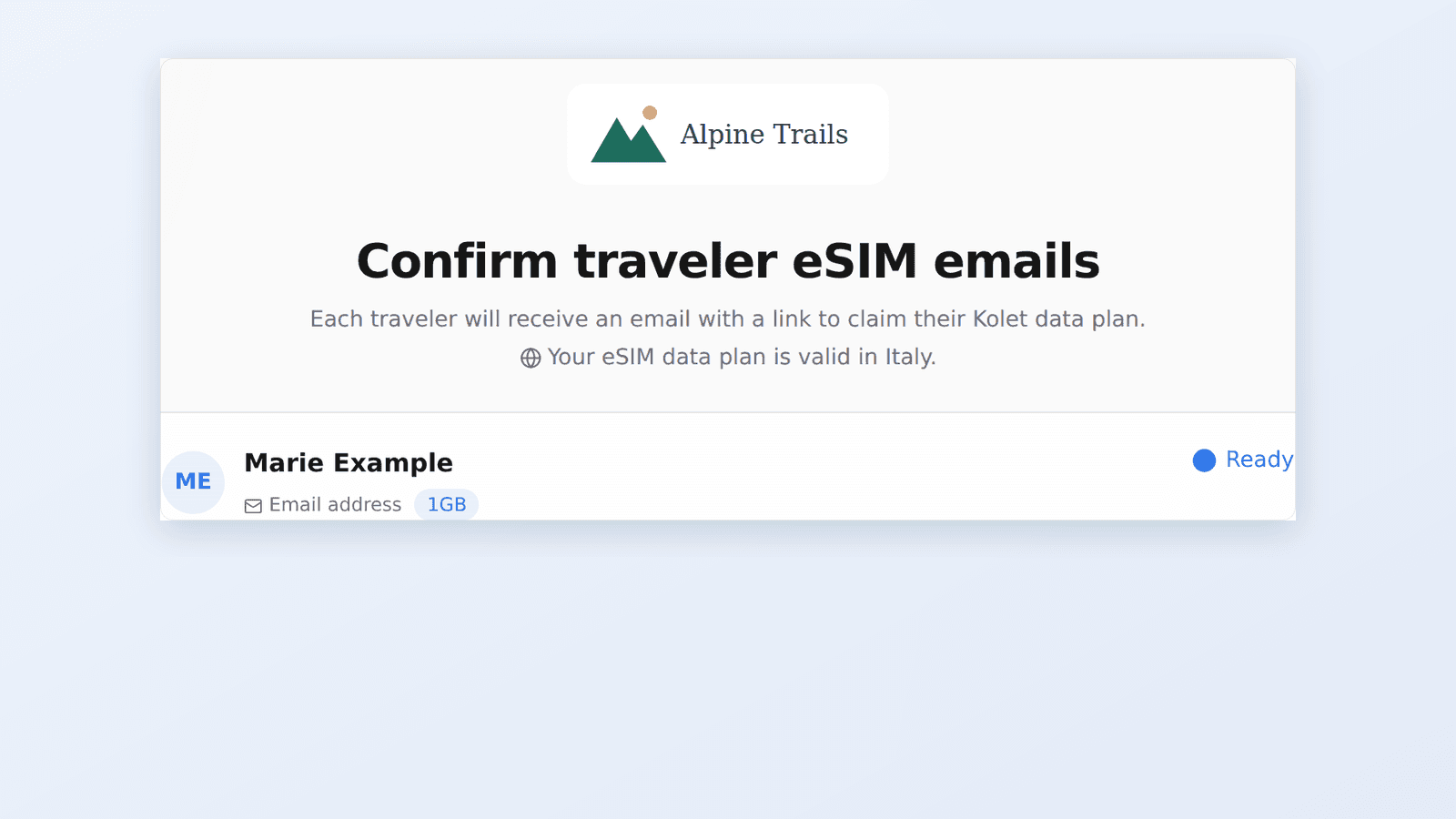
Travelers who open their eSIM page now see your agency's logo and name, so the experience stays under your brand from start to finish.
OnSpot Connect
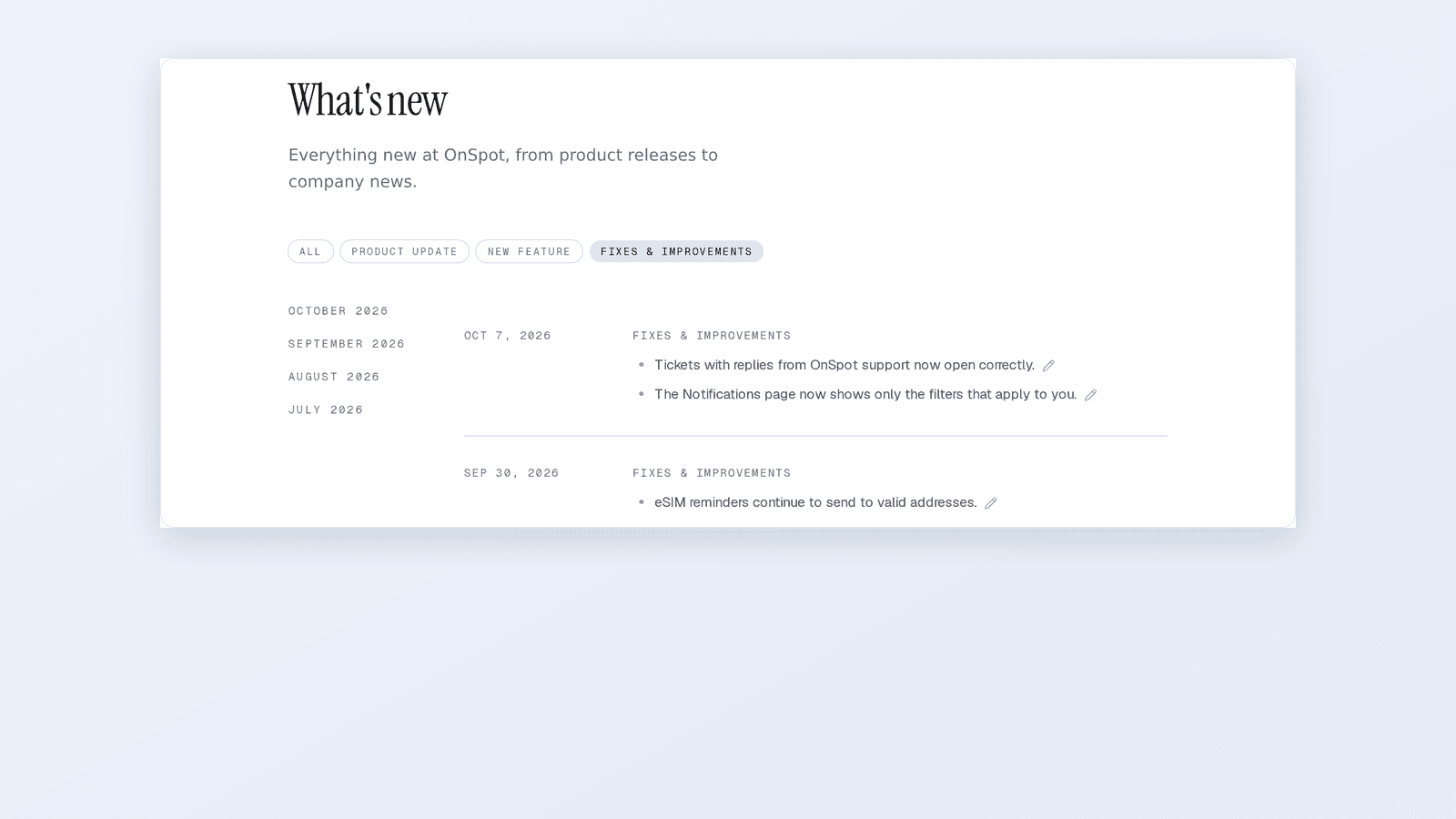
A new filter shows just the fixes and improvements published alongside each update, so you can see what has been corrected without scrolling past articles.
OnSpot Connect
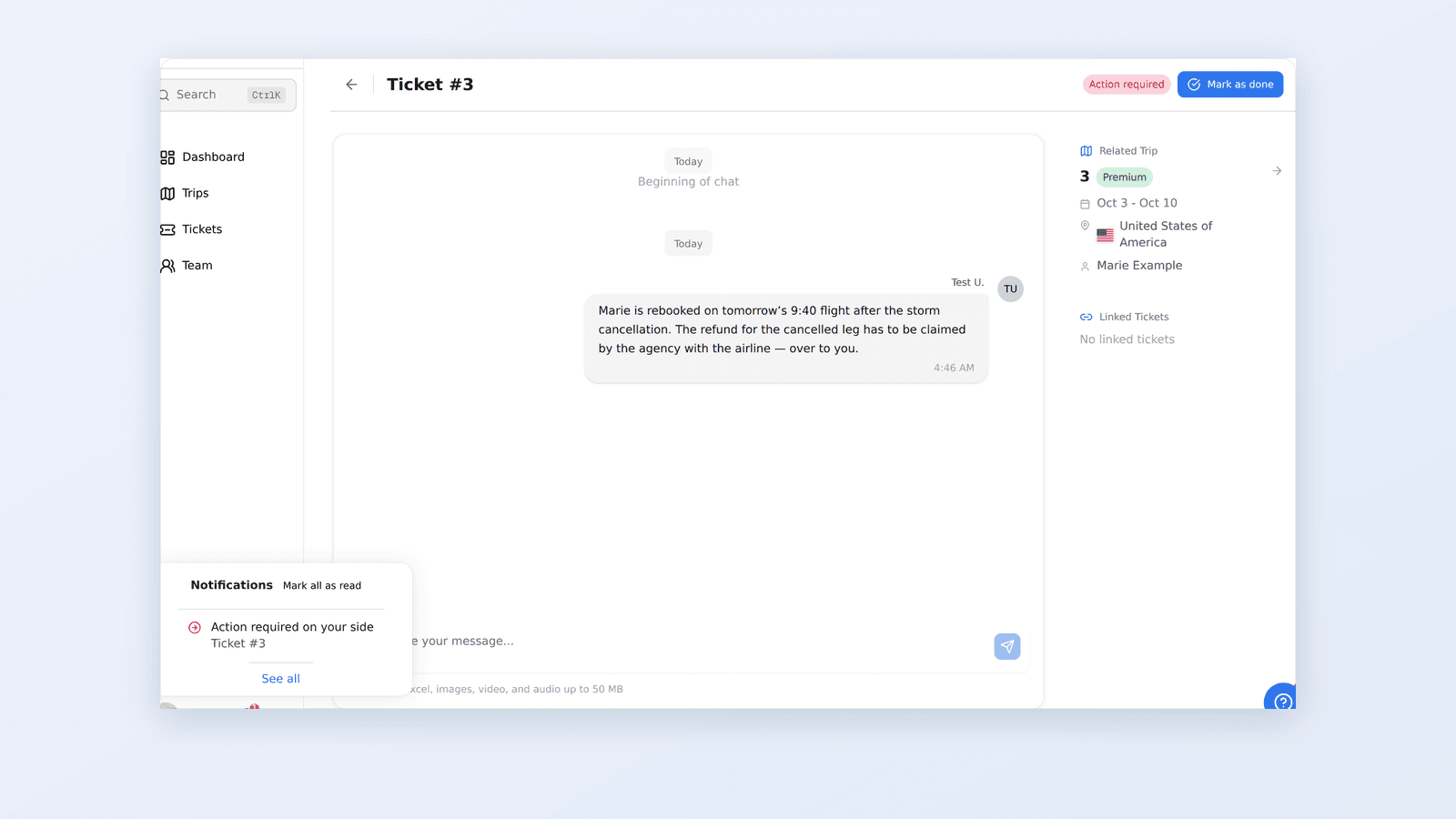
When OnSpot's support team has done its part and something is left for your agency to do, the ticket now tells you clearly.
OnSpot Connect
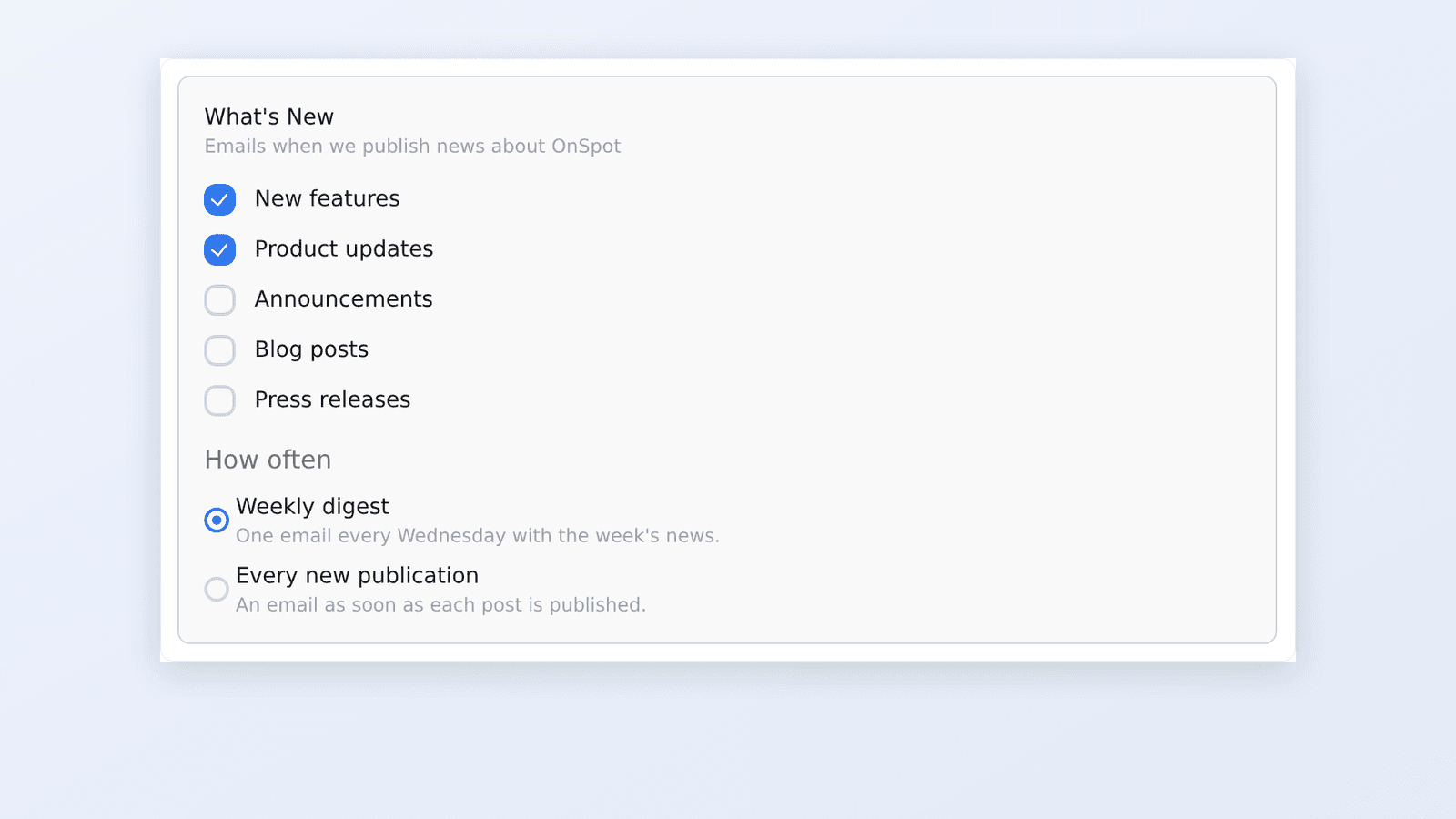
Pick a weekly digest or an email for every new publication. Agency users stay on the weekly digest unless they switch.
OnSpot Connect
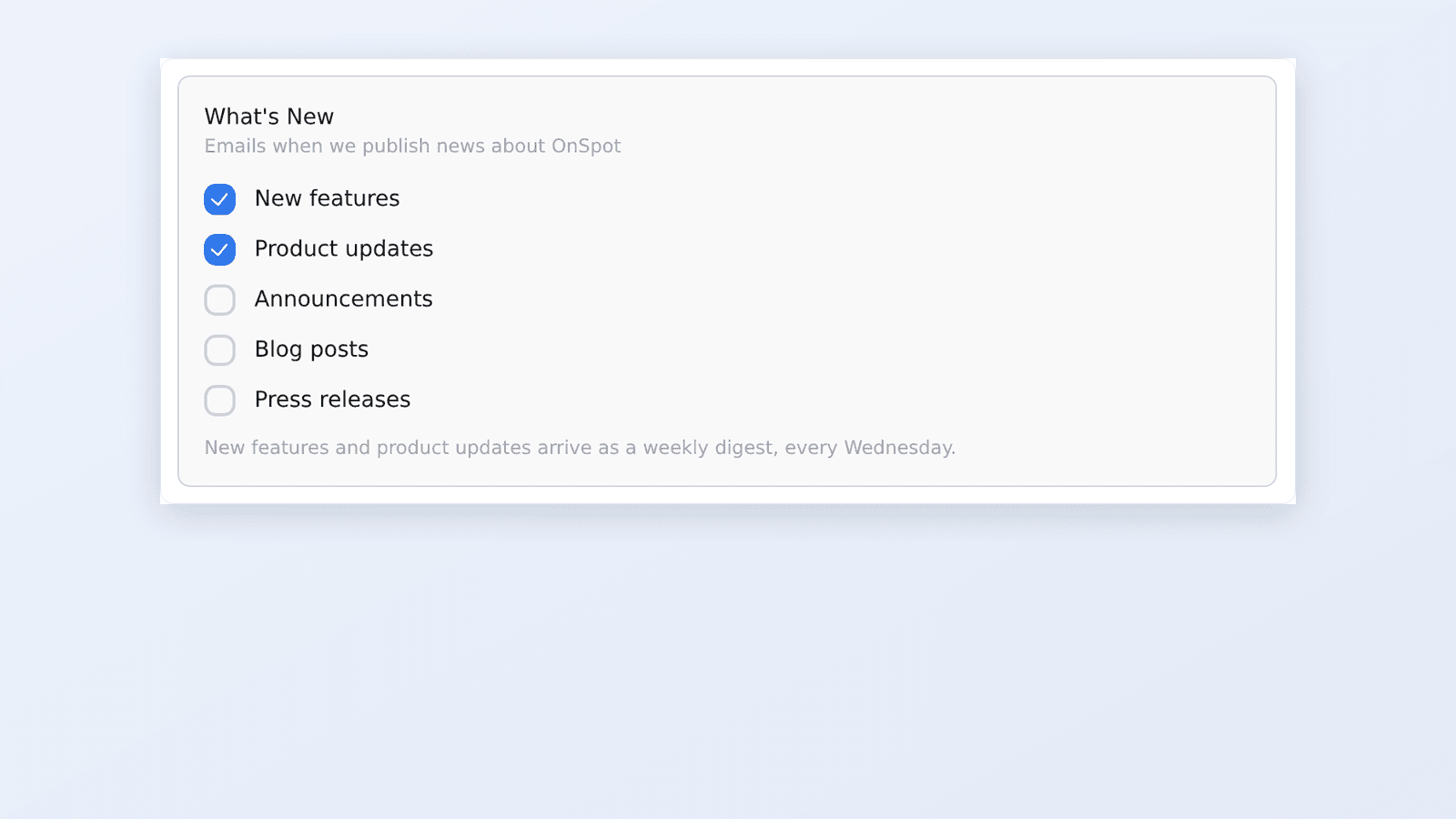
New features, product updates and fixes now come together in one email every Wednesday. Each email also says in its subject what kind of post it is.
OnSpot Connect
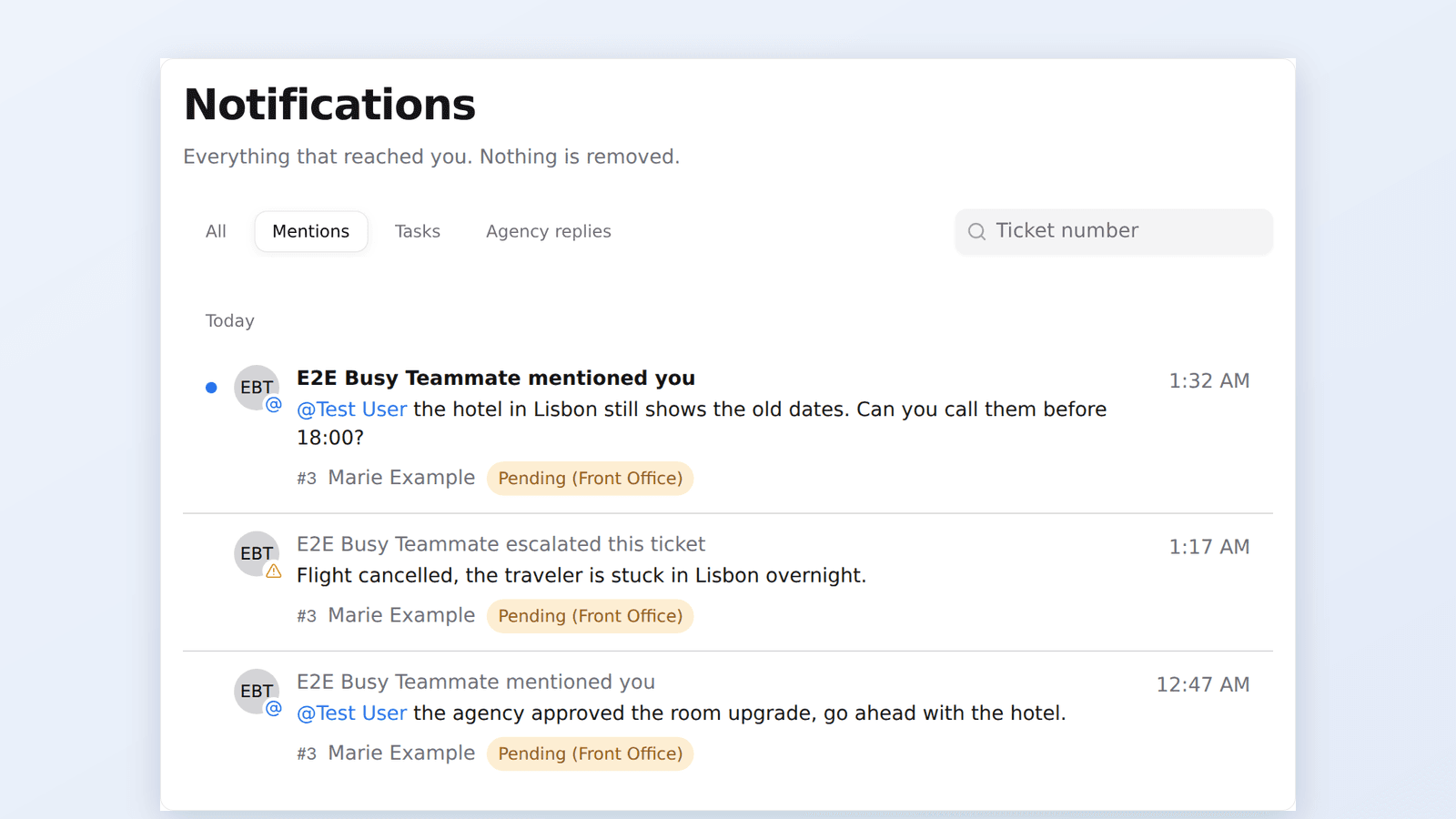
Notifications now stay in a history you can browse and filter. Opening one no longer makes it disappear, and mentions take you straight to the message.
OnSpot Connect
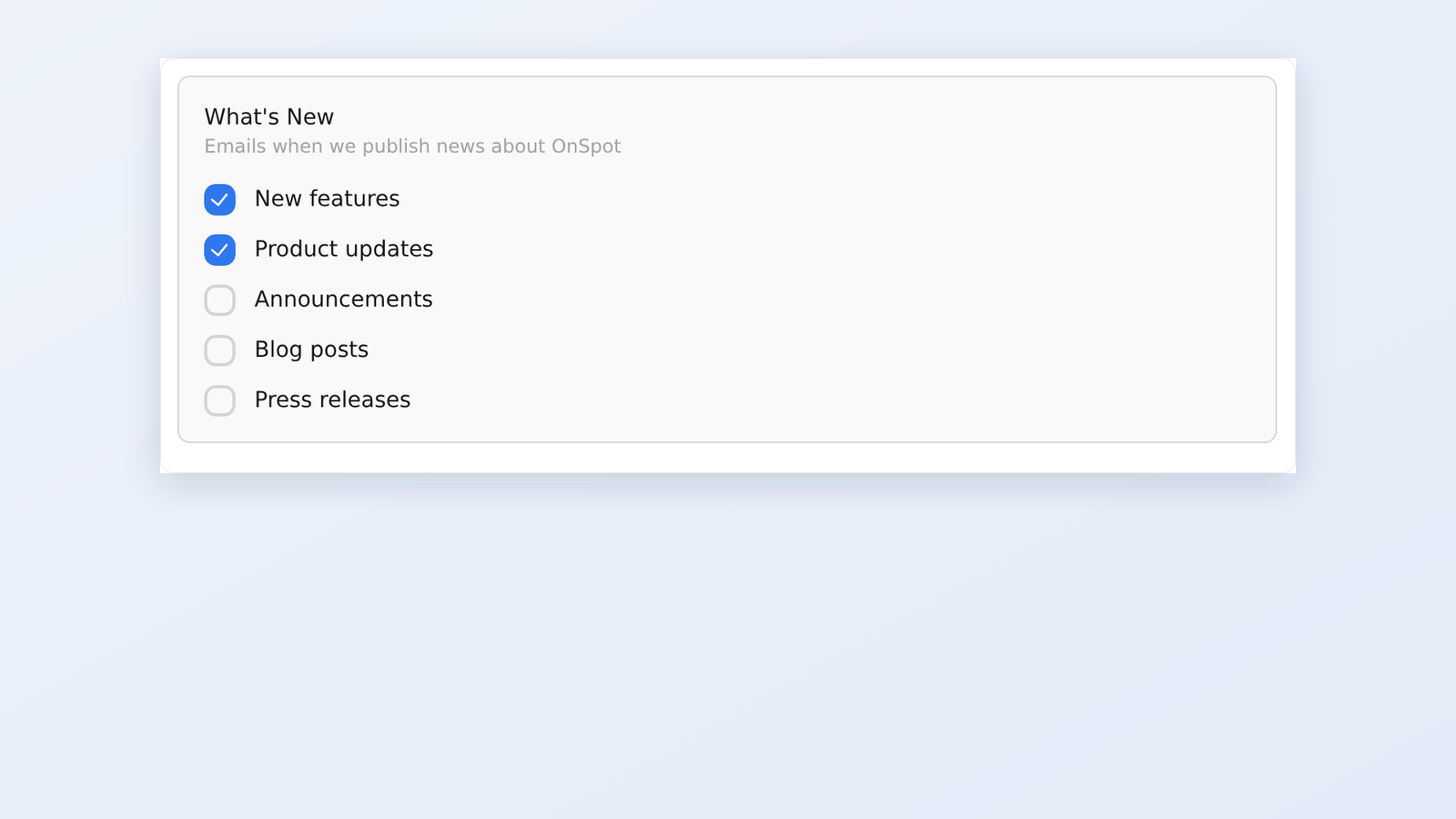
OnSpot Connect now emails you when new product news is published. You decide which kinds you receive from your profile settings.
OnSpot Connect
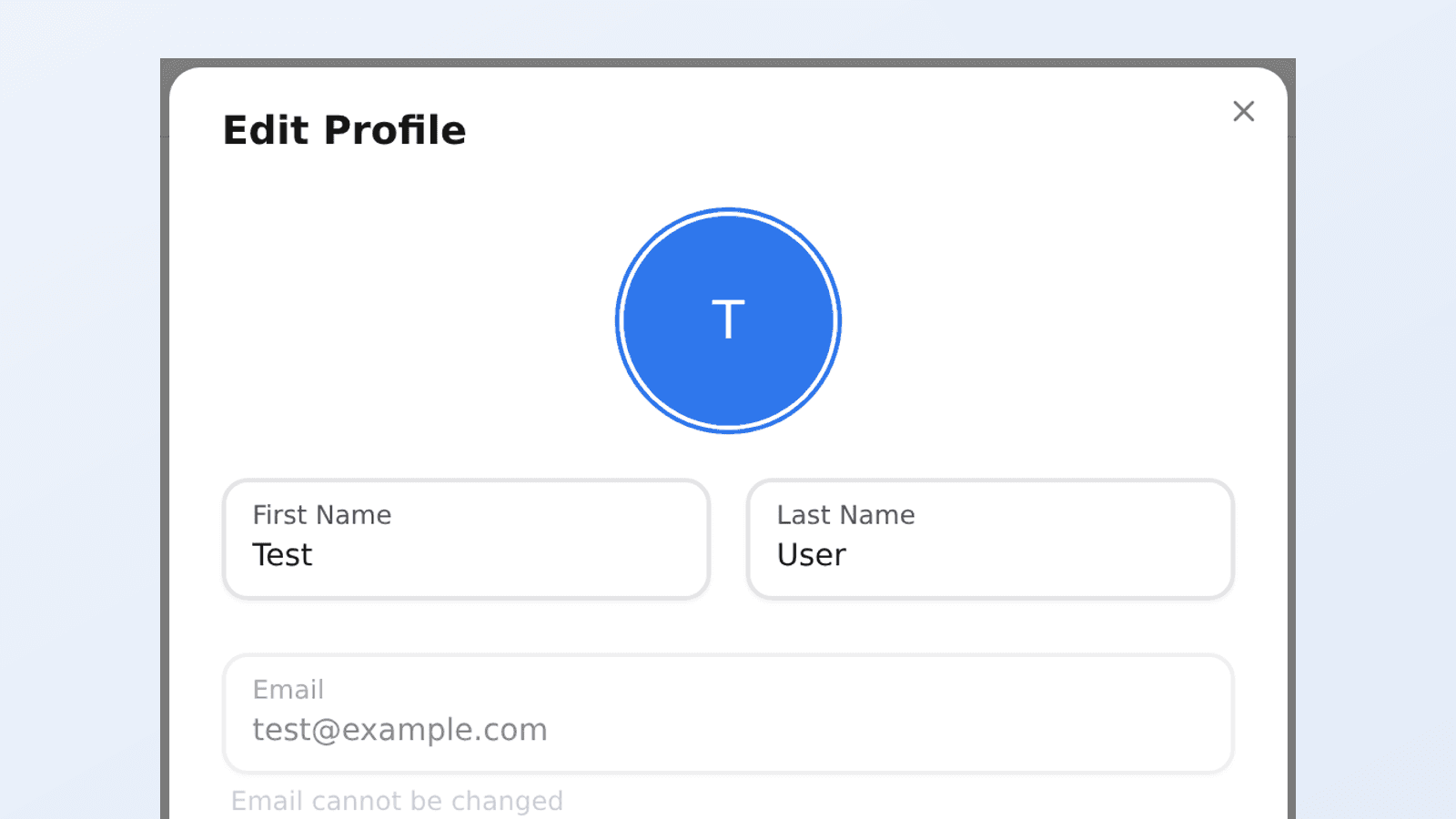
Spanish joins English, French and Portuguese. Switch in a couple of clicks, and set Spanish as your travelers' preferred language.
OnSpot Connect
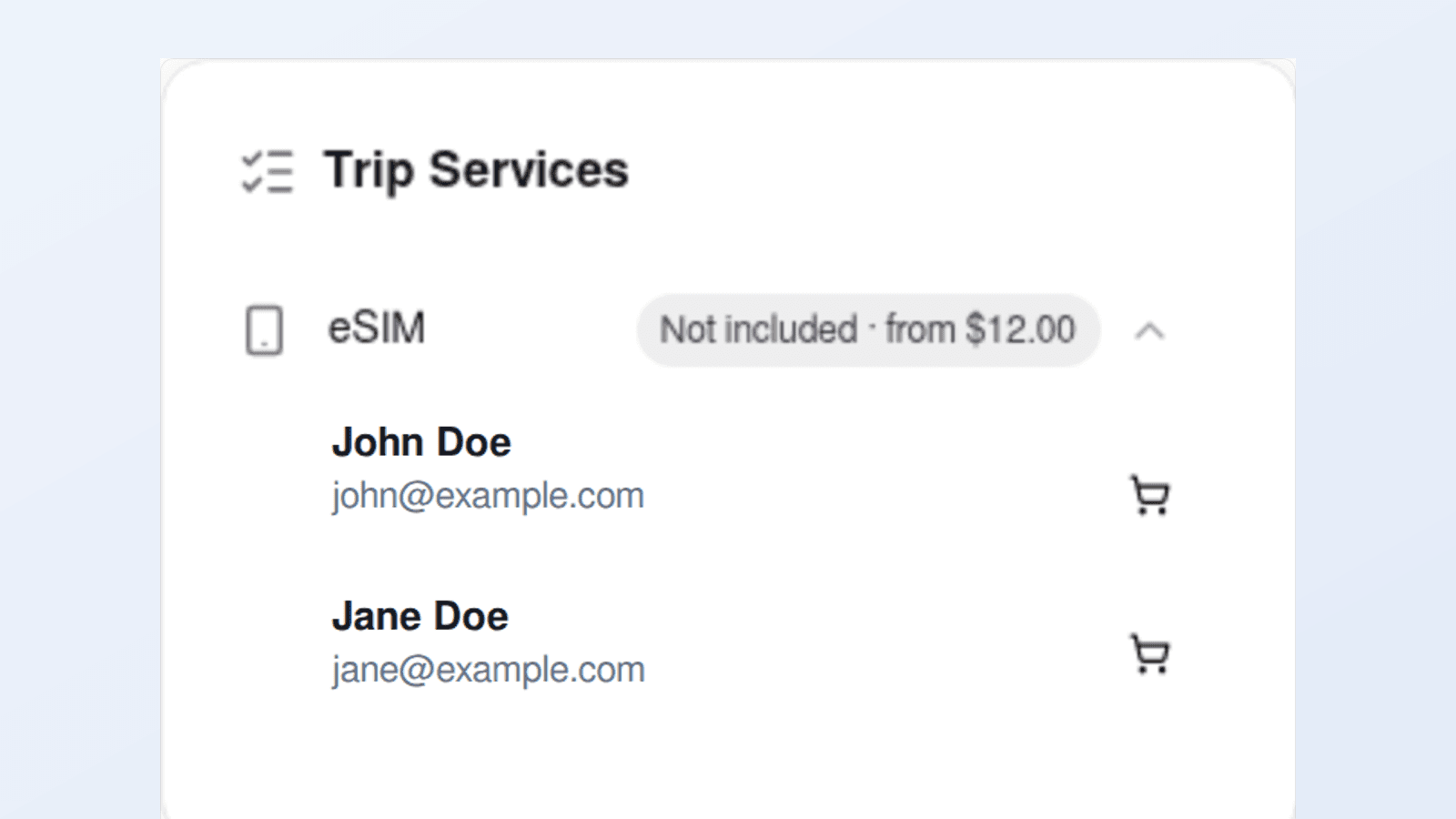
Choose an available 1GB or 10GB eSIM plan from a traveller’s row in Trip Services. The price appears before confirmation, and the purchase appears in the trip’s price breakdown.
OnSpot Connect
The Reconfirmation status column showed three different statuses in the same grey. Each one now has its own colour, so you can see at a glance which trips are still waiting on something.
OnSpot Connect
Every post now carries one or more tags — Product Update, New Feature, Case Study, Blog Post, Announcement or Press — each with its own colour. Pick any combination to narrow the page to what you came for.
OnSpot Connect
On a narrow screen half the list toolbar sat off-screen with no way to scroll to it. Everything now opens in a panel that slides up from the bottom.
OnSpot Connect
Type a second traveller and the trip comes back, saying who matched and who they travel with. Trip services now read as icons, and a trip sold without assistance no longer offers a ticket.
OnSpot Connect
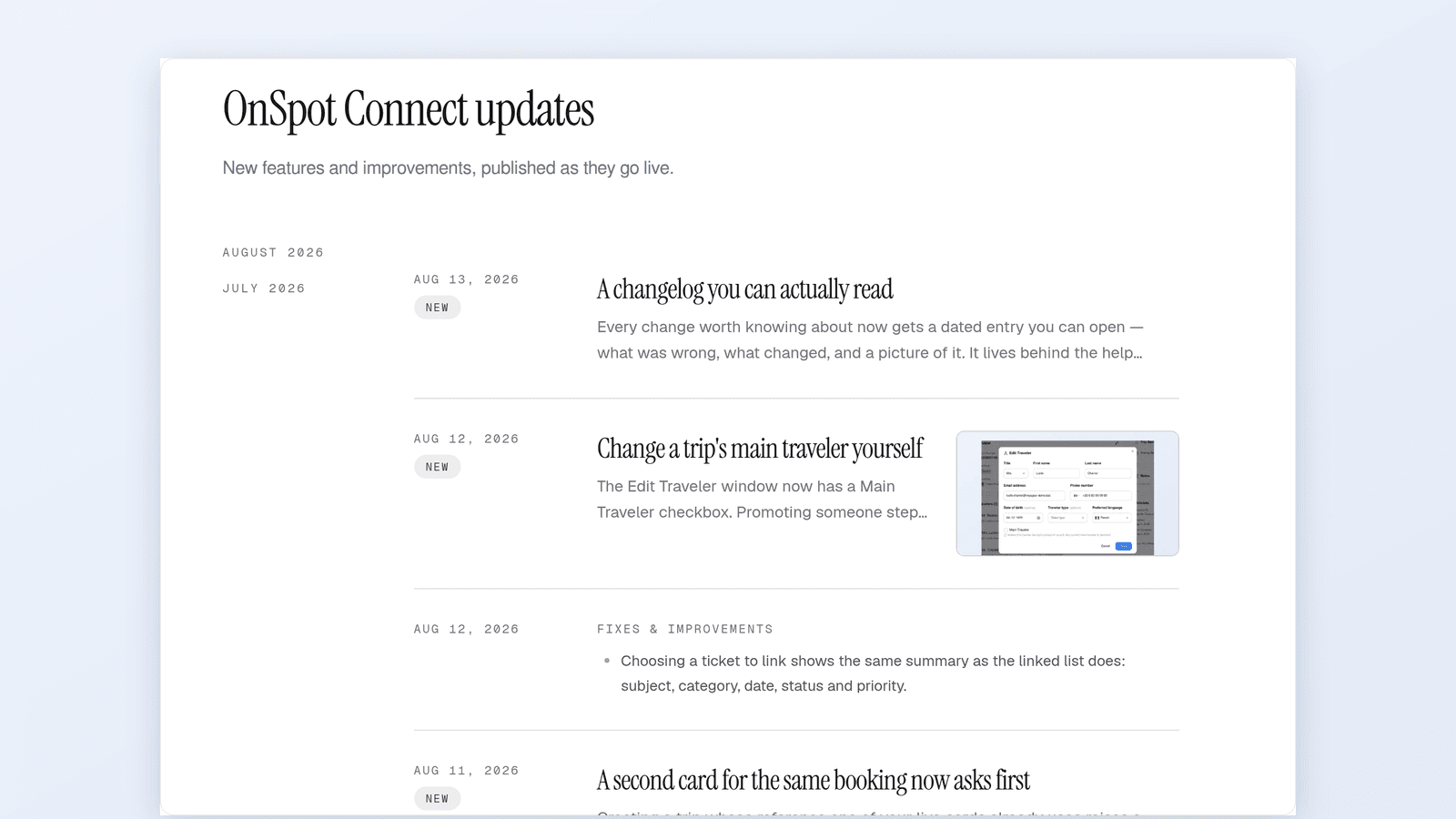
Every change worth knowing about now gets a dated entry you can open — what was wrong, what changed, and a picture of it. It lives behind the help bubble.
OnSpot Connect
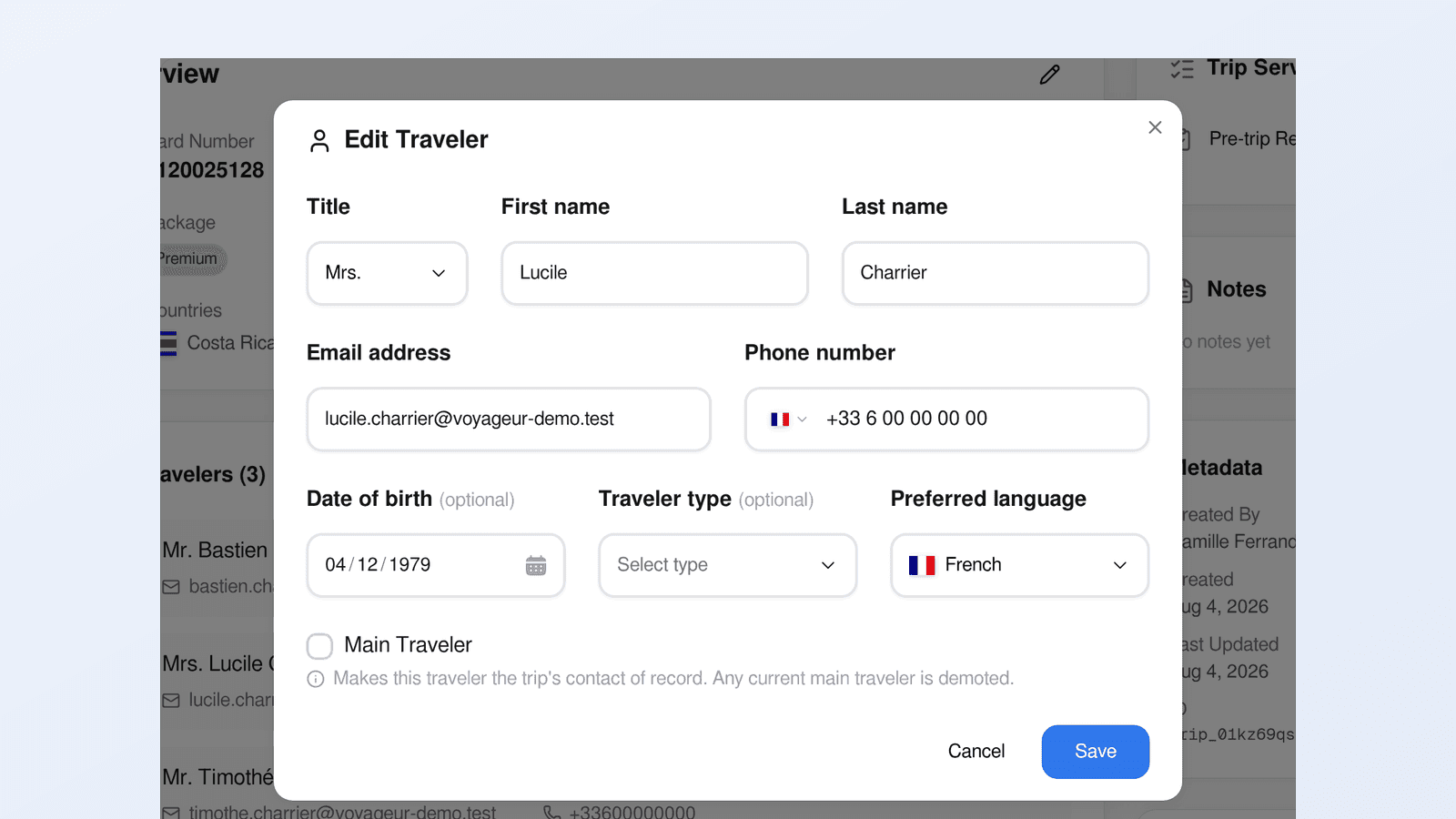
The Edit Traveler window now has a Main Traveler checkbox. Promoting someone steps the previous main down in the same save, so a cancelled lead passenger no longer needs a support request.
OnSpot Connect
Creating a trip whose reference one of your live cards already uses raises a dialog naming them, with a create anyway button. Nothing is refused outright — it costs one click.
OnSpot Connect
Your travelers can now set up their eSIM seven days before departure, not two. The pre-trip email that lands a week out carries the setup link, so they arrive already connected.
OnSpot Connect
A ticket can point to the ones it belongs with: duplicates, follow-ups, second reports of one incident. Links show in the ticket sidebar and as a column on your list.
OnSpot Connect
Attach video and audio to a ticket and they play in the thread, the way a chat app plays them. Up to 50 MB, alongside the PDFs and images you already send.
OnSpot Connect